

Pay with Bank transfer
American Express publishes an overview for this product but no API specification, so there is no endpoint reference to show.
The American Express API-based Payment Platform allows eCommerce Sellers and Merchants to scale their business by integrating with the Open Banking enabled Payment Gateways. The information in this guide is designed to help you implement Pay with Bank transfer, an American Express Payment Initiation Service (PIS). We have outlined the integration steps to give you a sense of what to expect. We are here to help, feel free to contact us at any stage of the process.
Pay with Bank transfer enables Customers to check out easily and securely by using their existing online bank account for direct bank payments. It is cost effective and easy to incorporate, with an intuitive integration that works within your existing payment journeys. Jurisdictions: United Kingdom
Why it’s great
How it works
Merchant Integration Process Step 1
The Merchant integrates with the Pay with Bank transfer JavaScript SDK which will present the Pay with Bank transfer button.

Merchant Integration Process Step 2
Once this button is clicked, an American Express browser window will present the Confirm Payment page.
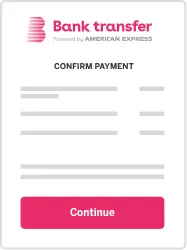
Merchant Integration Process Step 3
Once the Customer provides the consent, American Express will present a list of participating banks.
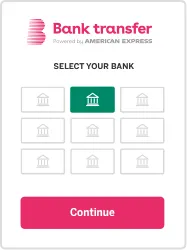
Merchant Integration Process Step 4
American Express will initiate the payment transfer from the Customer’s selected bank and bank account.
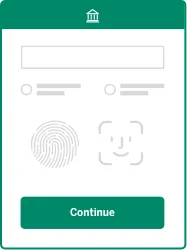
Merchant Integration Process Step 5
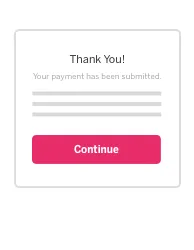
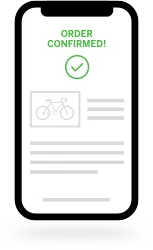
Payment information is sent to the Client server to update the payment status.
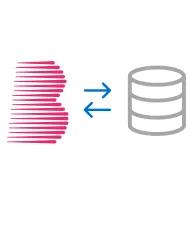
What You Need To Go Live
- Details are provided after access is approved.